Connect to your server
NocoDB Cloud or your own server over HTTPS, signed in with an API token stored in your device's keychain. No server yet? “Try the Demo” starts with sample data.
In development · iOS & iPadOS & watchOS
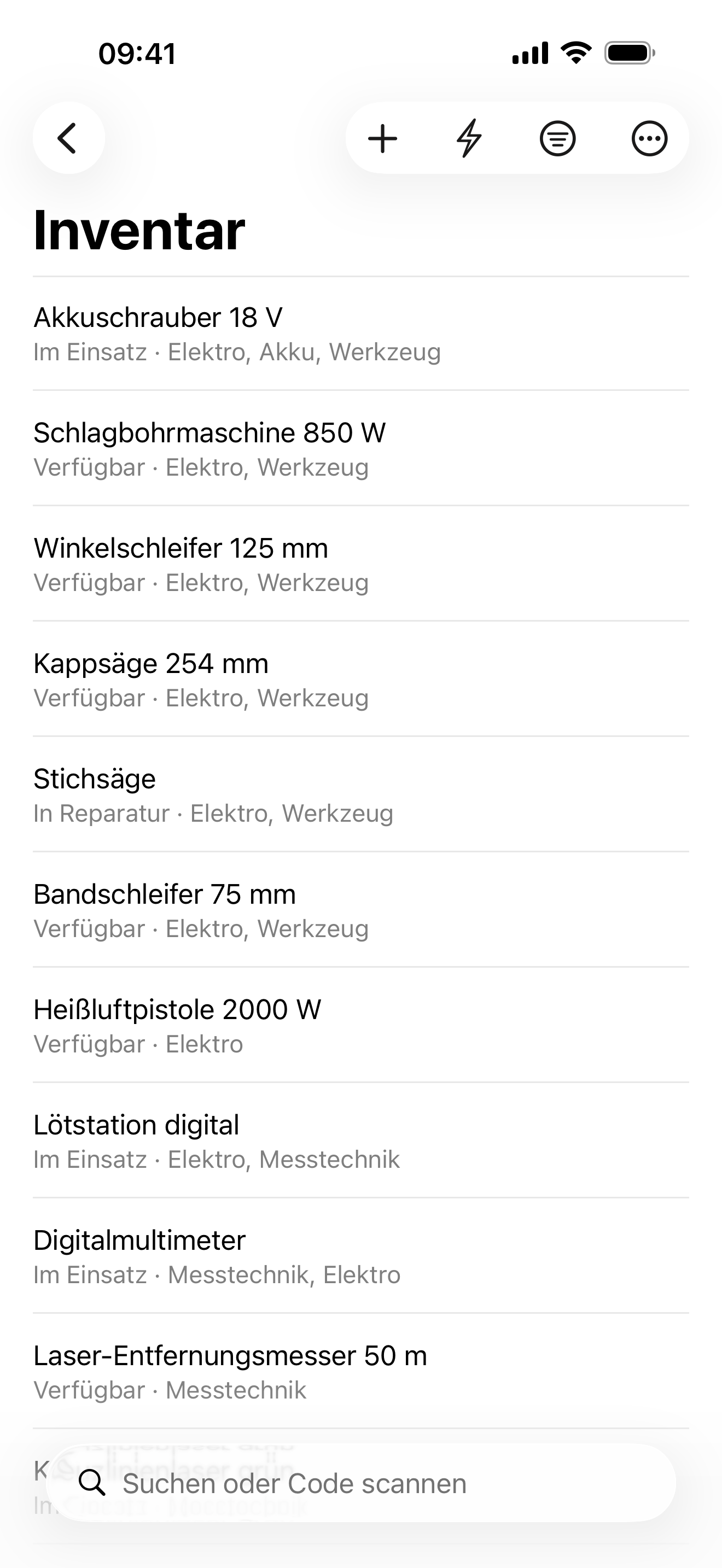
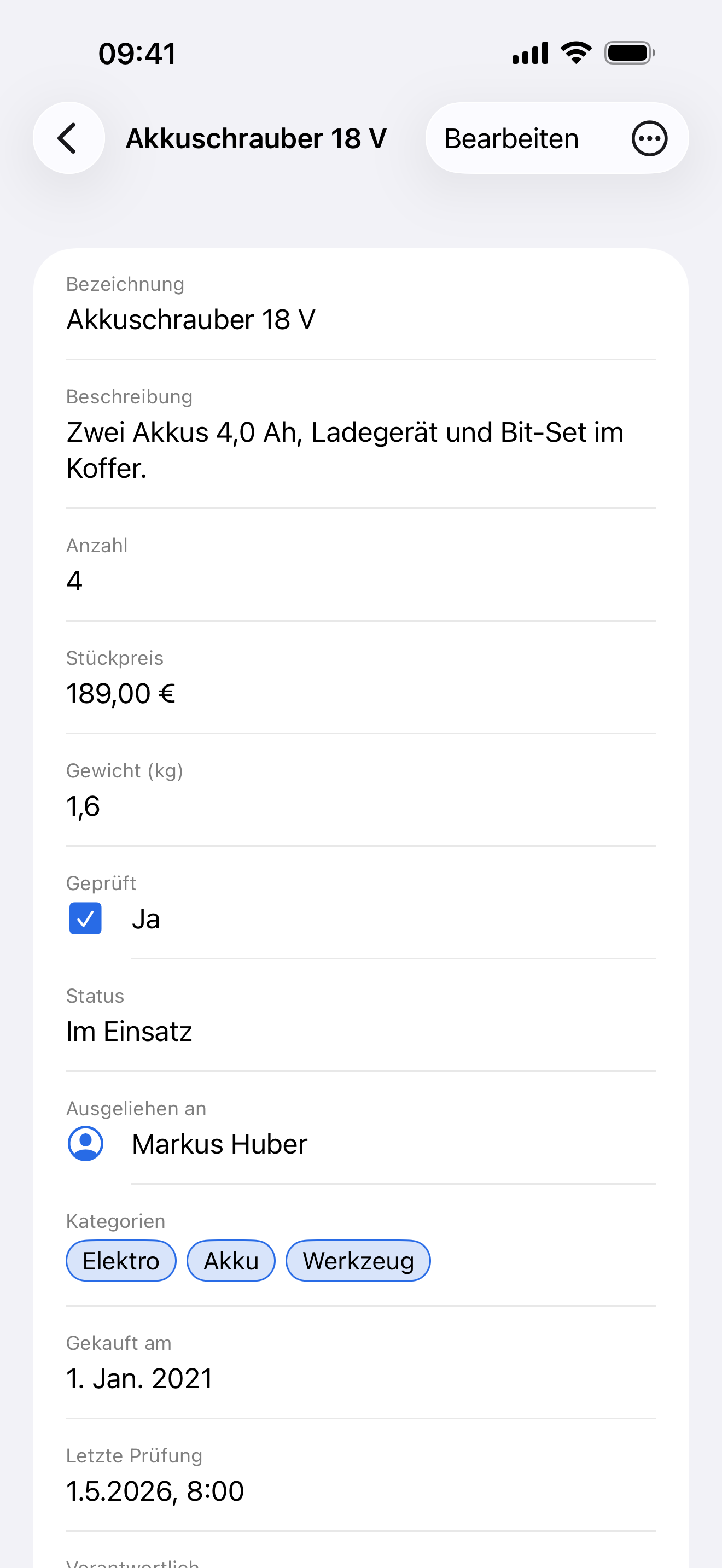
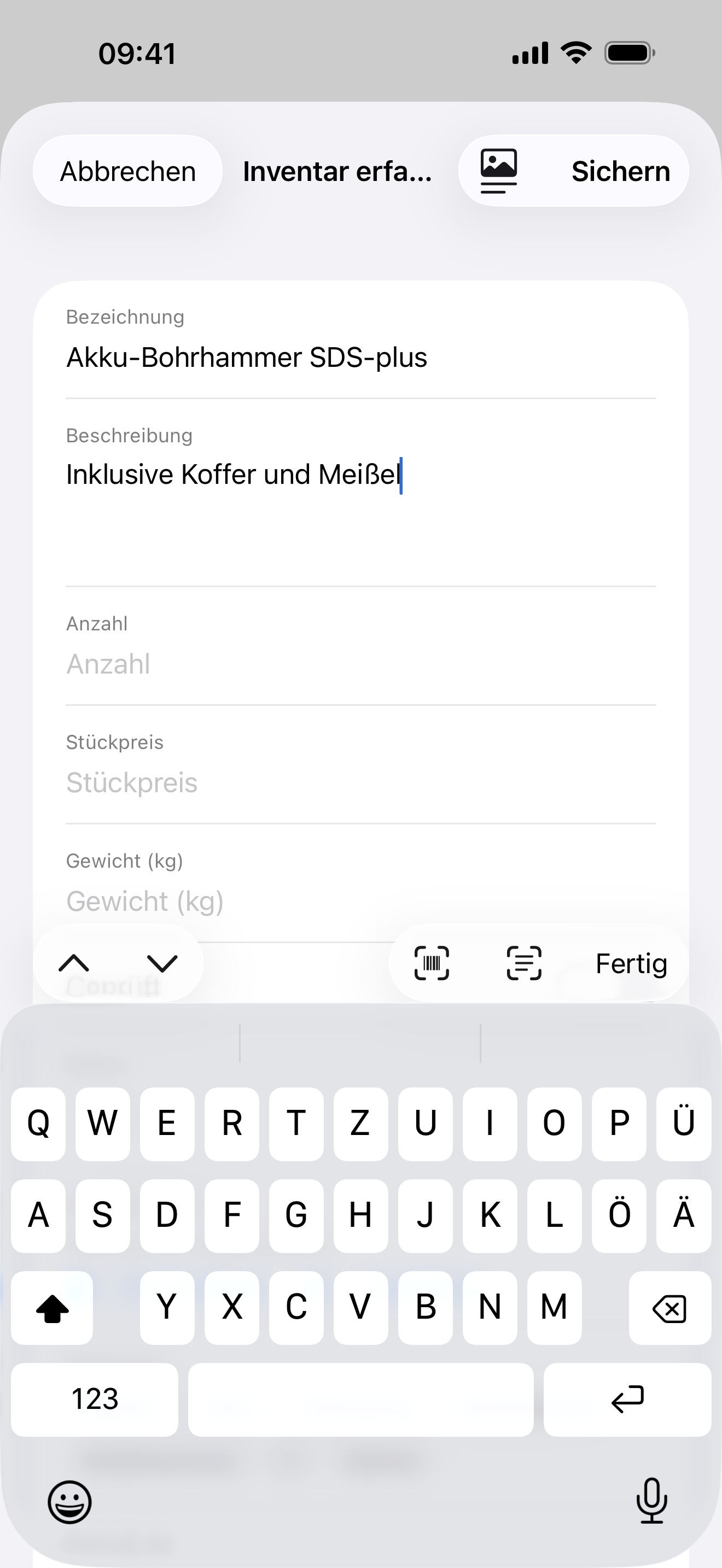
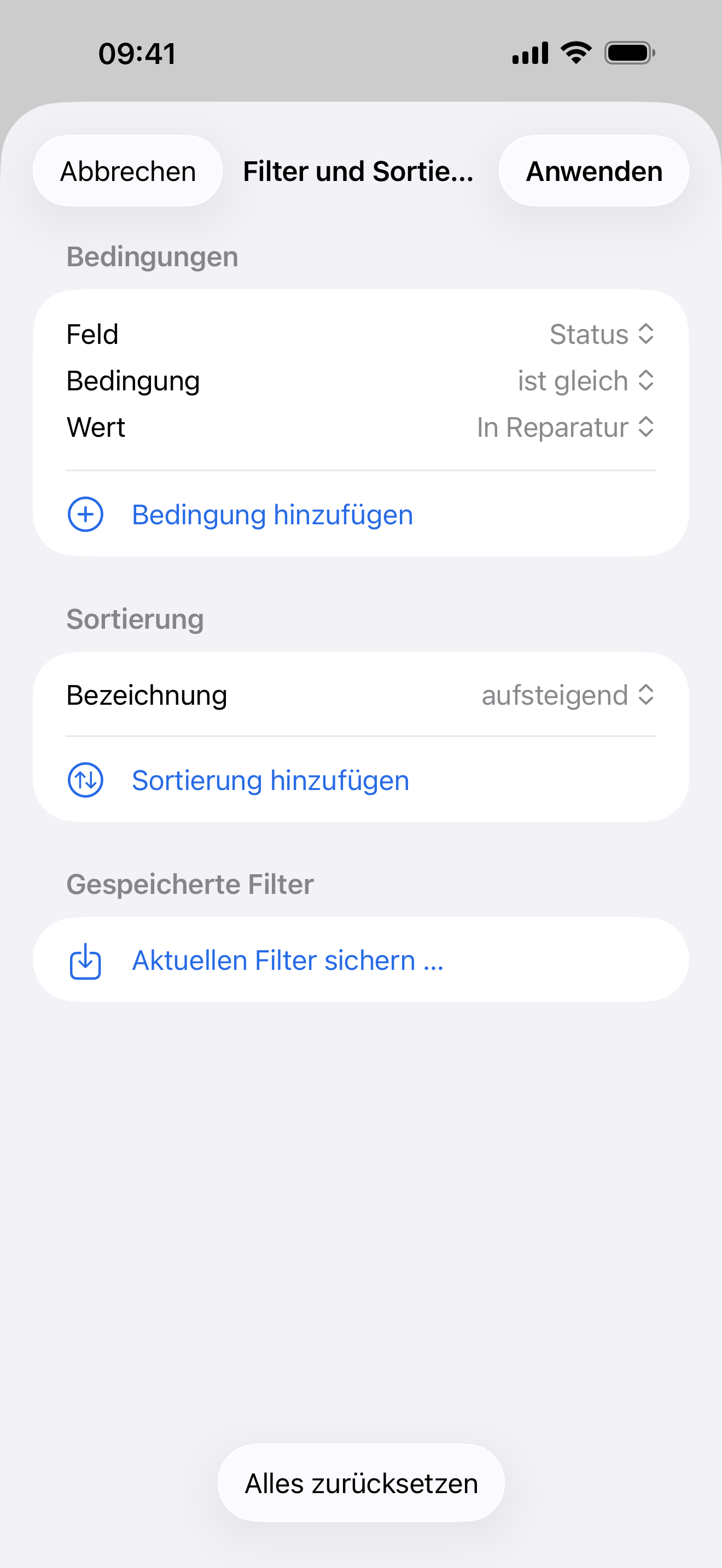
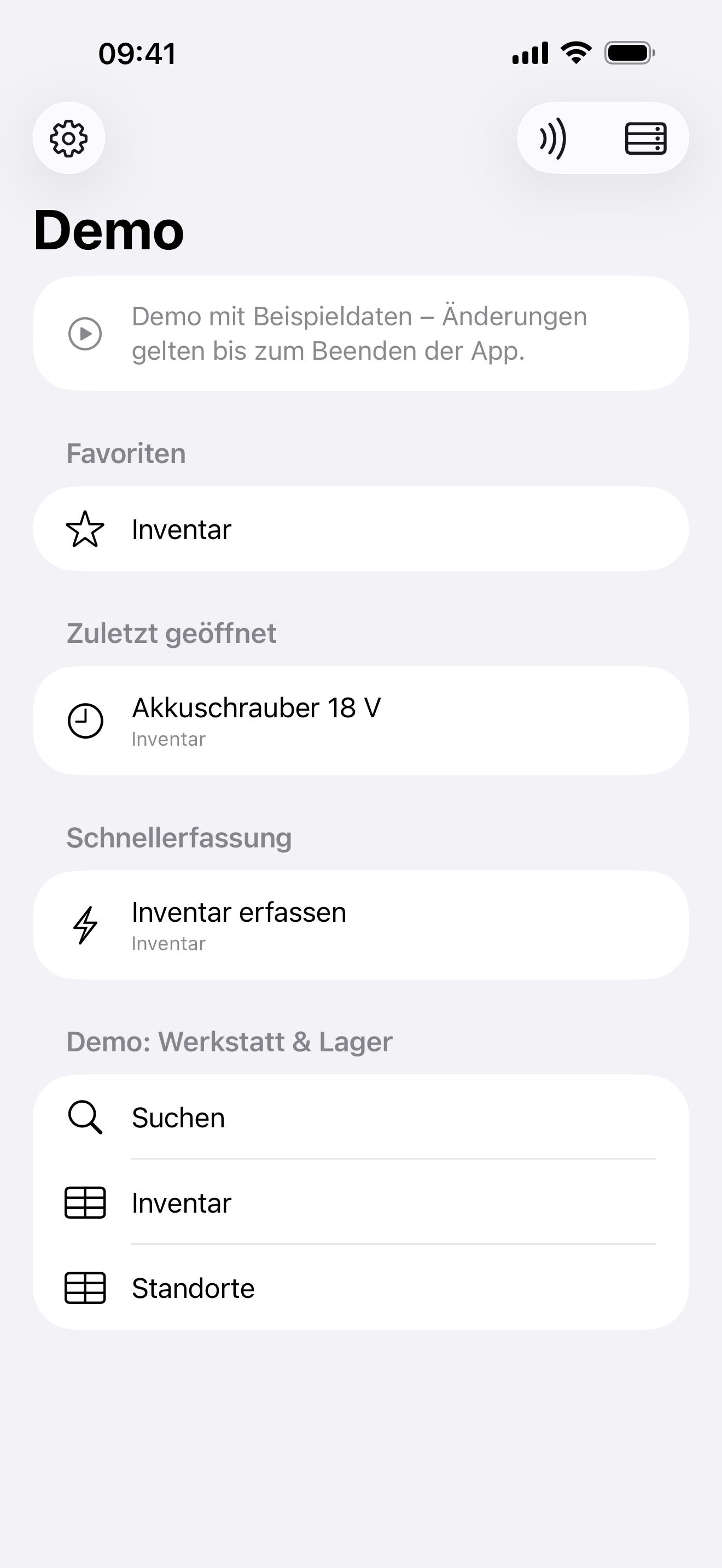
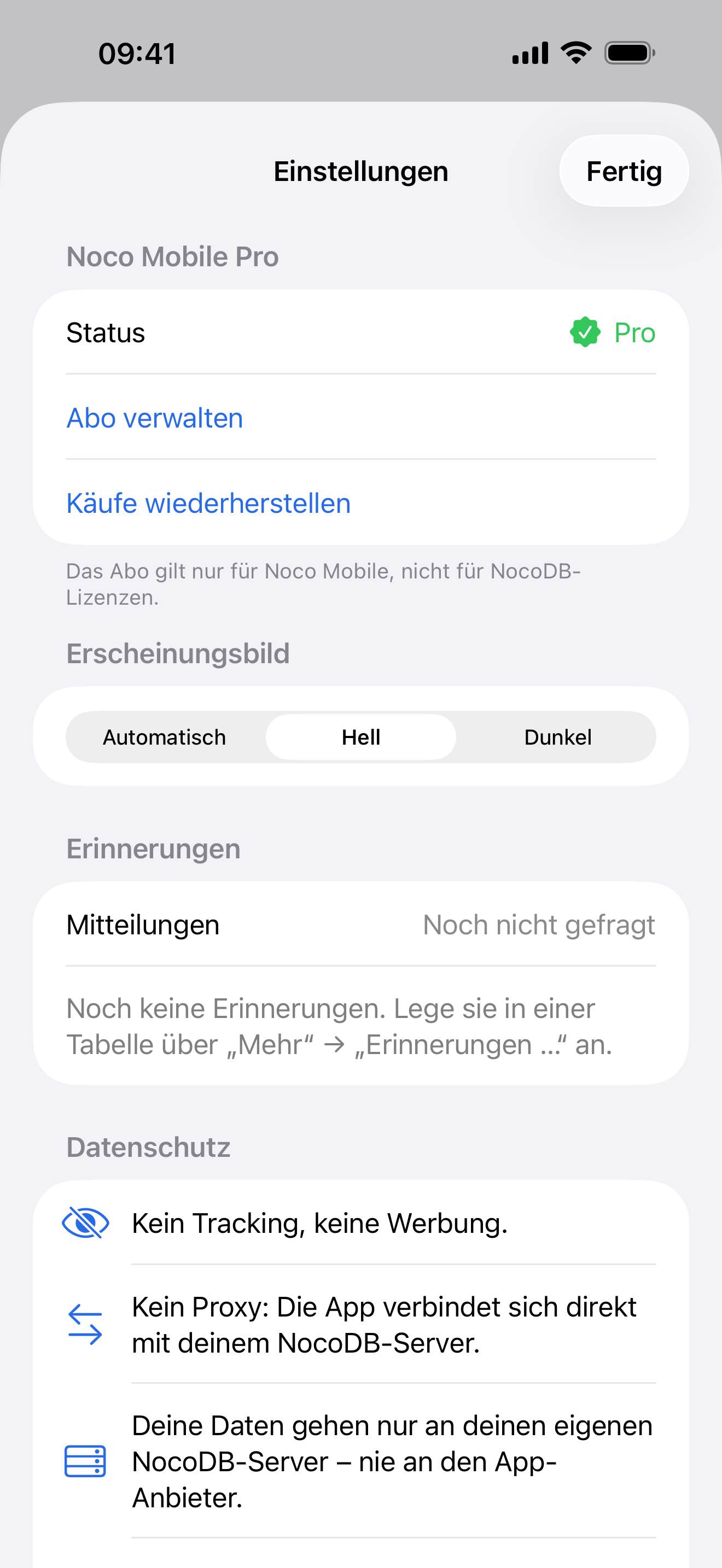
Noco Mobile is in development. This page shows the feature set of the preview version; release date and availability have not been announced yet. The screenshots show demo mode with sample data.
APP
Capture and edit NocoDB tables on iPhone and iPad.
Noco Mobile turns your existing NocoDB tables into something you can actually use on the go: clear lists, readable record cards and native forms instead of a tiny web grid.
A good fit for inventory, stock rooms, workshops, field service, club equipment or collections. Noco Mobile is an independent app and is not affiliated with nocodb, Inc. A demo mode with sample data lets you try it out.
NocoDB Cloud or your own server over HTTPS, signed in with an API token stored in your device's keychain. No server yet? “Try the Demo” starts with sample data.
Read, create, edit, duplicate and delete records, one at a time or several at once. Typed inputs, attachments, signatures, server-side filters and sorting.
Input profiles with your own fields and default values, Bluetooth barcode scanners in search and forms – in the free version too – and sharing from any app with “Save to Noco Mobile”.
Shortcuts and Siri, widgets, Control Center and Spotlight. On iPad with split view, multiple windows, keyboard shortcuts and Apple Pencil, in Light, Dark or Automatic appearance.
Camera scanning for QR codes and barcodes, offline work with a conflict view, printing QR labels, a status board, filling from photos, reminders, Apple Watch and NFC tags.
No tracking, no ads, no analytics SDKs. The app connects directly to your NocoDB server; text recognition and filling from photos run on the device.
Screenshots from the current preview version.
Access to a NocoDB instance (NocoDB Cloud or self-hosted, version 0.264 or later) and an API token. Without a server you can try the demo mode with sample data.
No. Noco Mobile is an independent app and is not affiliated with nocodb, Inc. NocoDB is a trademark of its respective owner.
Directly to your NocoDB server. There is no server run by the app developer that your data passes through. The API token is stored in your device's keychain.
For free you get one server profile and one base with all its tables, one saved filter and one input profile, permanently and without ads. Pro is a subscription for the Noco Mobile app only – not a NocoDB licence and no replacement for a NocoDB plan. If it ends, nothing is deleted.
A release date and availability have not been announced yet. This page will be updated as soon as that changes.
Need help, want to report a problem or share feedback? Feel free to get in touch.
Please include the app version, operating-system version, device and a short description. Do not send passwords, tokens or other confidential data.