Capture ideas instantly
One sentence is enough: typed or dictated, on iPhone, iPad or Mac. On iPhone this works offline too and is transferred at the next sync.

In development · iOS & iPadOS & macOS
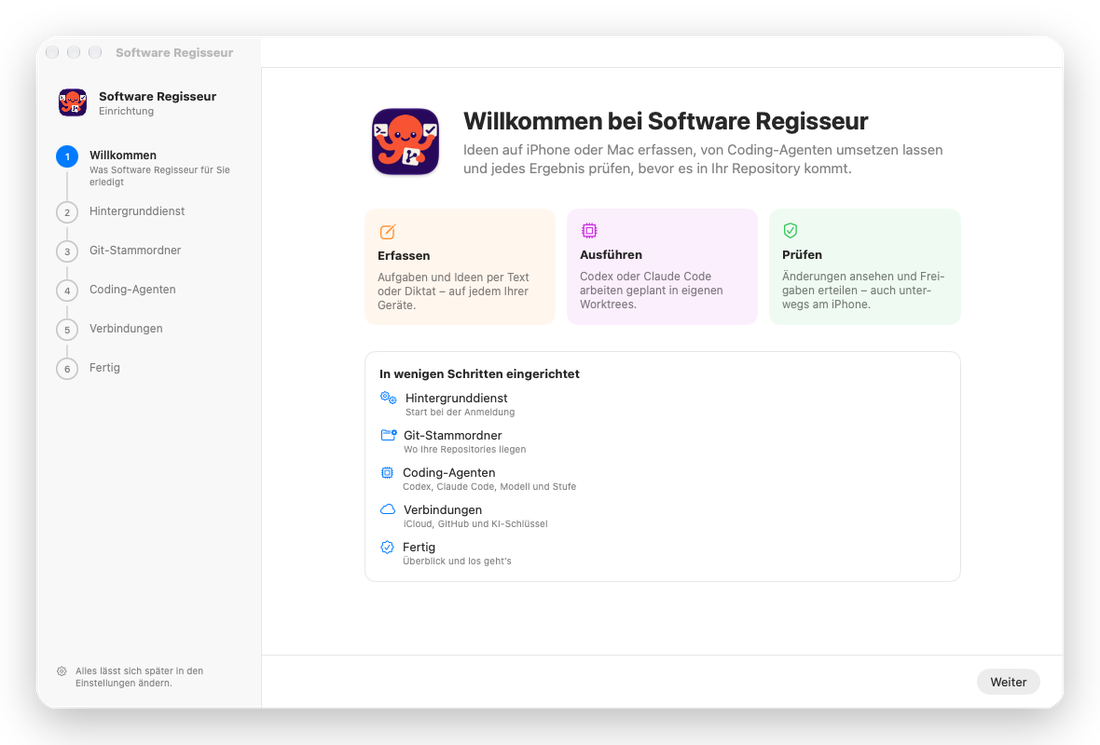
Software Regisseur is in development. This page shows the current state of the preview version; the release date, price and way to get the app have not been decided yet. The screenshots show the preview version with sample data; the interface is in German.
APP
You have the idea. The AI builds it. You stay in charge.
Capture ideas for your software on the go, let an AI assistant on your Mac implement them, and review every result before it counts – on iPhone, iPad and Mac.
Claude Code or Codex do the programming work; they run on your Mac, signed in with your own account. For AI features such as drafting a task, you use your own access with OpenAI, Anthropic or Google.
One sentence is enough: typed or dictated, on iPhone, iPad or Mac. On iPhone this works offline too and is transferred at the next sync.
The AI turns your thought into a clear task with a goal and acceptance criteria. You read it through and keep what fits.
Claude Code or Codex work through the task, with a suitable model and thinking level per task. Right away, at a set time, or as soon as the quota of your AI subscription is refilled.
Every assistant works in its own copy of your project. In the review you see the summary, the test result and the changed files, then decide: approve, request changes or reject.
If an assistant wants to start a program or do something unusual, it stops and waits for your allow or deny – conveniently from your iPhone, too.
No server and no user account: everything runs through your iCloud and your Mac. Your credentials live in the keychain, your tasks are plain text files in the project.
Screenshots from the current preview version.
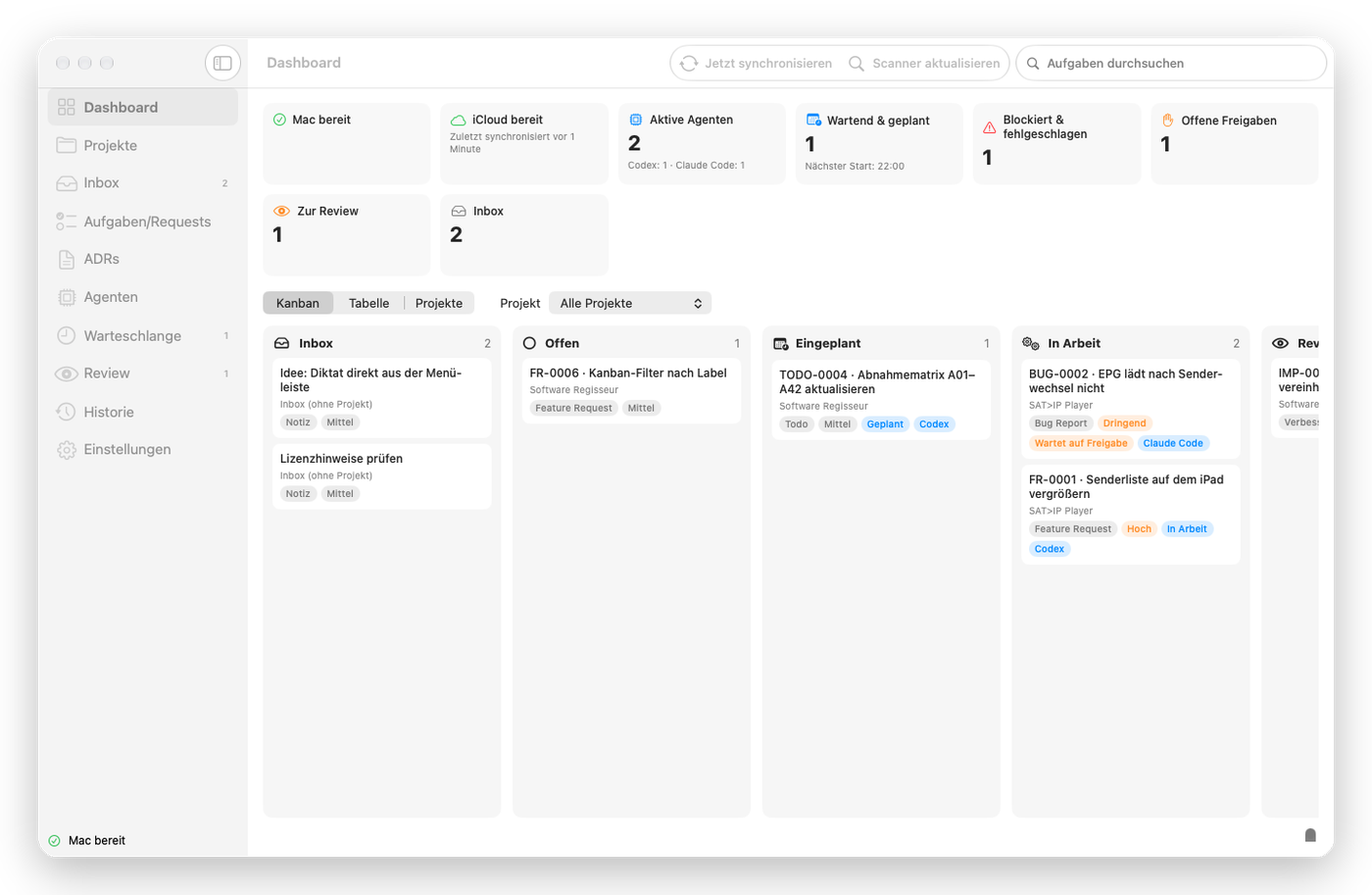
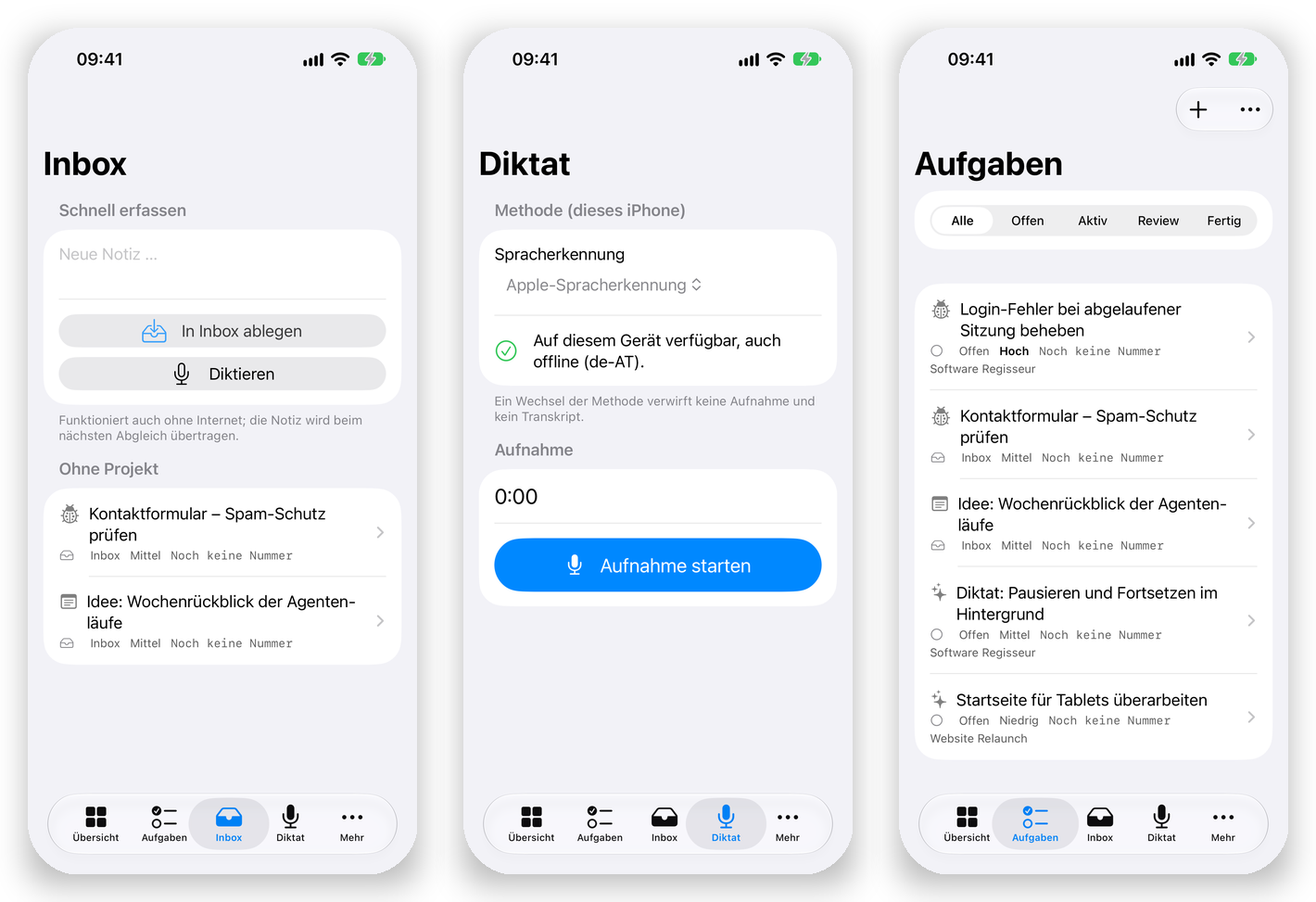
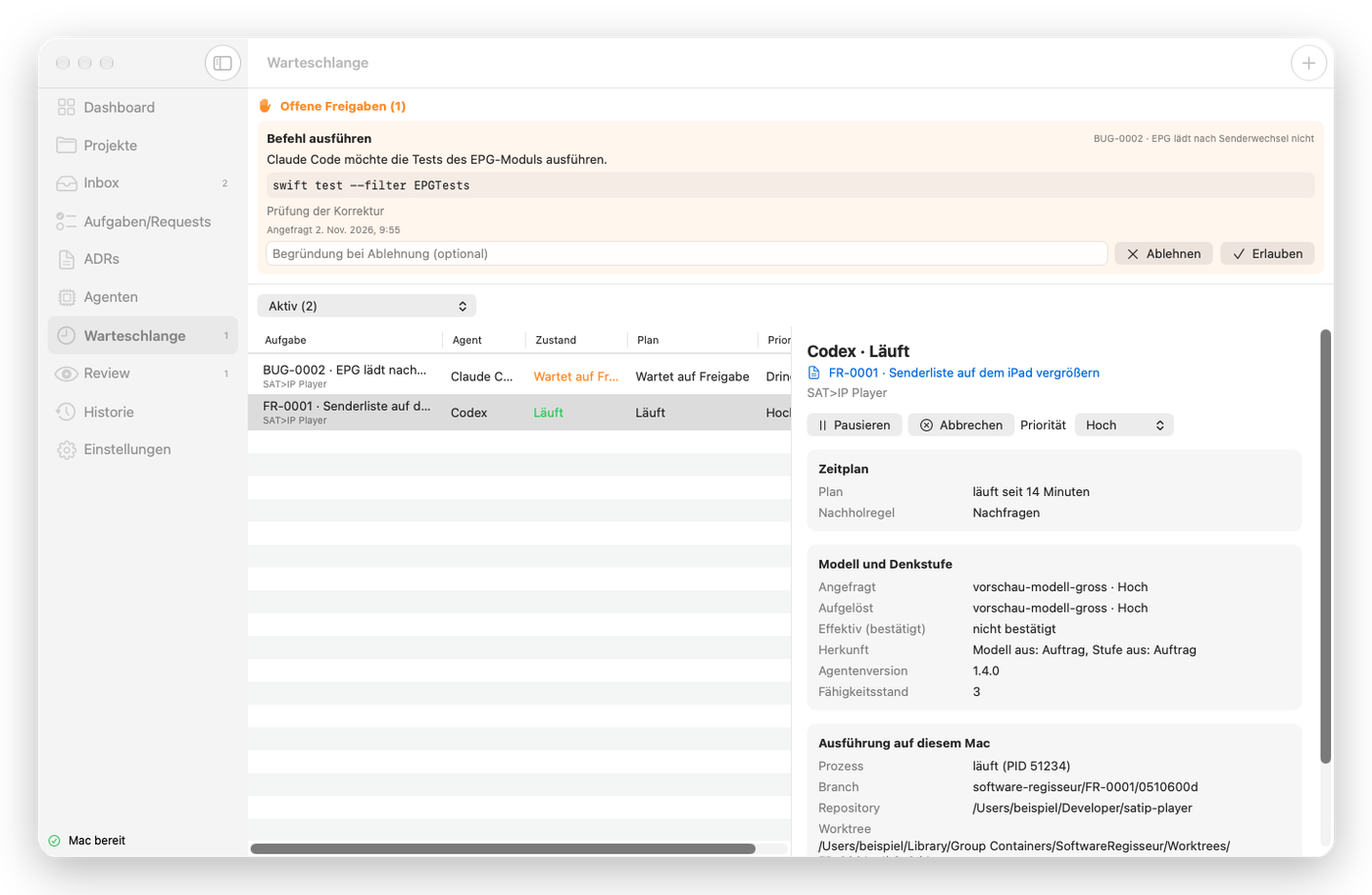
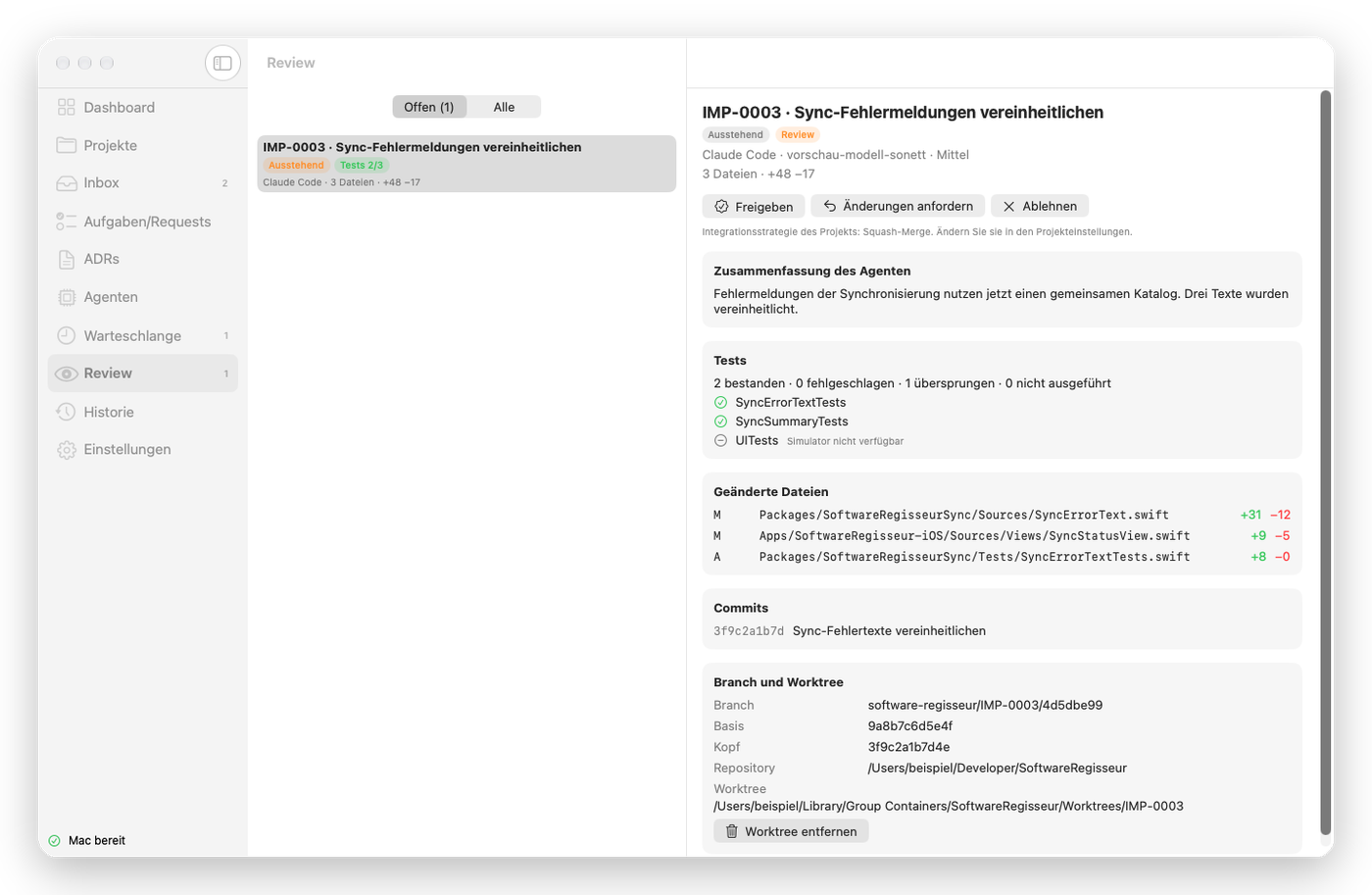
For people who build software and want to capture ideas on the go. A note becomes a task that an AI assistant implements on your Mac. You decide in the review what ends up in your project.
A Mac with Apple silicon and macOS 26 or later, optionally an iPhone or iPad with iOS or iPadOS 26 or later, and the same iCloud sign-in on all devices. Plus Claude Code and/or Codex on the Mac, signed in with your own account. For AI features such as drafting tasks you also need your own access (API key) with a supported provider.
No. Every assistant works in its own copy of your project. Your main project is only changed after you approve. Content such as passwords or keys from your projects is redacted before it is sent to the AI.
There is no server and no user account with us. Data lives on your devices and in your private iCloud. API keys are kept in your device's encrypted keychain. Your tasks are plain text files in your project and stay readable without the app.
The iPhone keeps working and syncs everything once both devices are connected again. A Mac that is off or asleep does not start scheduled jobs at the planned time, though; a catch-up rule applies instead.
Yes, the source code is publicly viewable on GitHub. It is released under the PolyForm Shield License 1.0.0 and is therefore not open source in the OSI sense: any use is allowed, only a competing product or a hosted service built on the app is excluded.
The release date, the price and the way to get the app have not been decided yet. This page will be updated when they are.
Need help, want to report a problem or share feedback? Feel free to get in touch.
Please include the app version, operating-system version, device and a short description. Do not send passwords, tokens or other confidential data.